How to Issue/Return a Temporary Key (or 'Mark a Key as Borrowed')
Last updated: October 5, 2026
Housing.Cloud makes it possible to lend a temporary key to a resident, marking the key's status as "borrowed" until the key is returned. This allows admins to manage temporary keys in lock-out and similar situations without a side-process outside of the platform.
How to Lend a Temporary Key
1. Locate the resident who needs to borrow a key using the Quick Search bar, or click on Profiles on the navigation panel to find the resident.

2. Click on the student profile name you want to lend a key to.

3. Click on Keys on the navigation panel to go to advance to the Keys section of the profile.

4. Click on the Issue Key button.
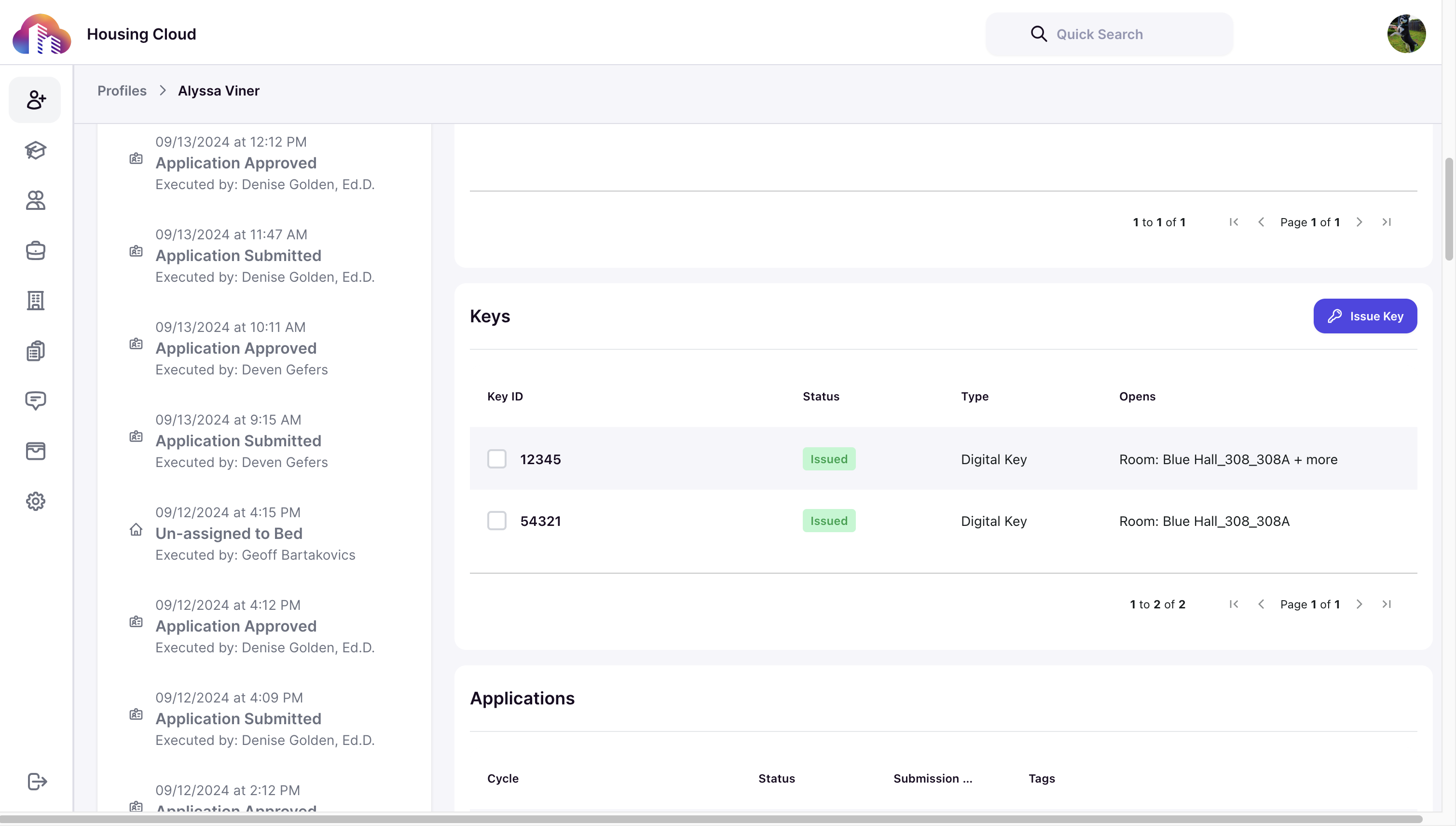
5. A list of keys that exist for the current resident's room will be displayed. If the temporary key is not shown, use the search bar to enter a key ID locate it. Or, if you are creating a new temporary key, click the "Issue New Key" button to begin the new key creation wizard. Once you have located or created the temporary key, select the key.

6. Click on the dropdown and choose Borrowed.

7. Click on the Submit button.

You can see that the key status is changed to borrowed now.

How to Return a Borrowed Key
Once the borrowed key has been returned, find the key by searching the temporary key ID in the Quick Search bar on the top of every admin screen. The temporary key will appear. Click the key icon to open the key detail page.
On the key detail page, click the edit button and change the status to "Returned".